Without an EDID Emulator
When you use a KVM switch without an EDID emulator, the host system treats the display as disconnected the moment you switch to another device. That can trigger a chain of problems:
- Resolution changes ¡ª desktop resolution resets, scrambling your window layout and breaking your workflow.
- Window displacement ¡ª application windows may unexpectedly move, minimize, or even close.
- Black screen or flicker ¡ª some hosts (gaming rigs, graphics workstations) go black as soon as the display signal is lost.
- Game or creative-app crashes ¡ª programs that rely heavily on GPU resources can crash or restart when the display connection drops.
With Our EDID Emulator
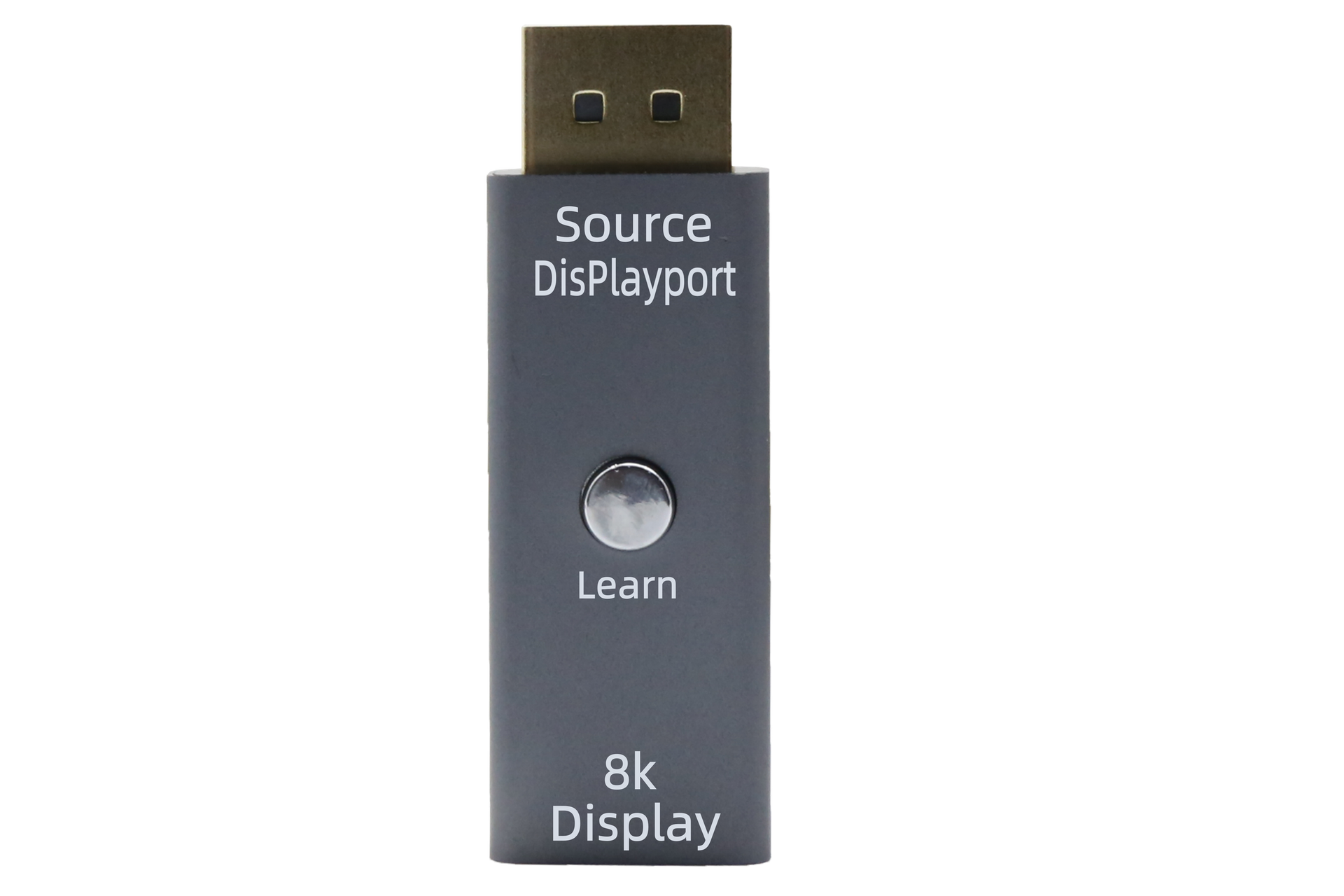
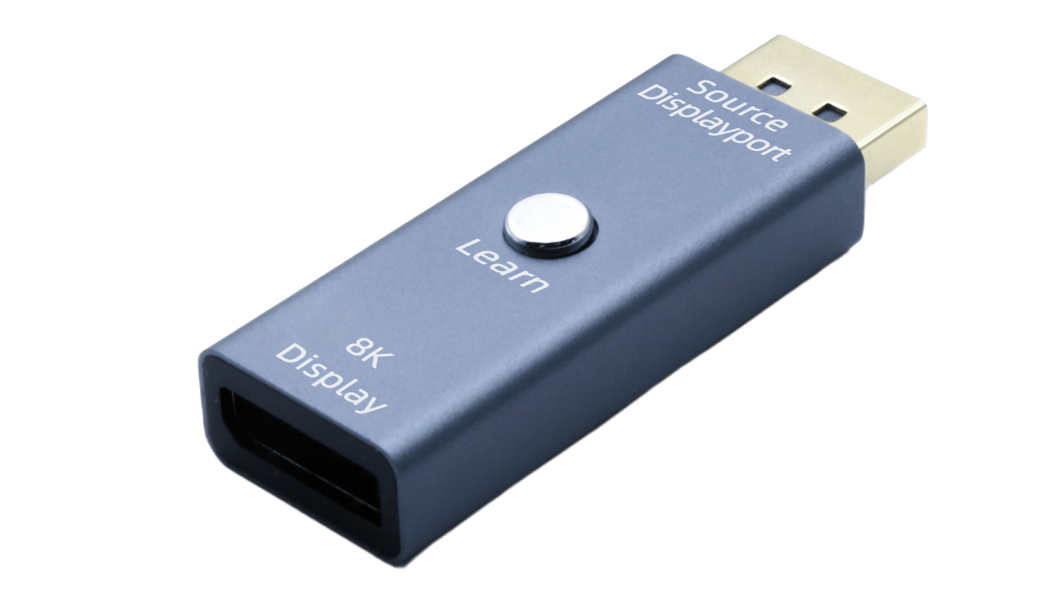
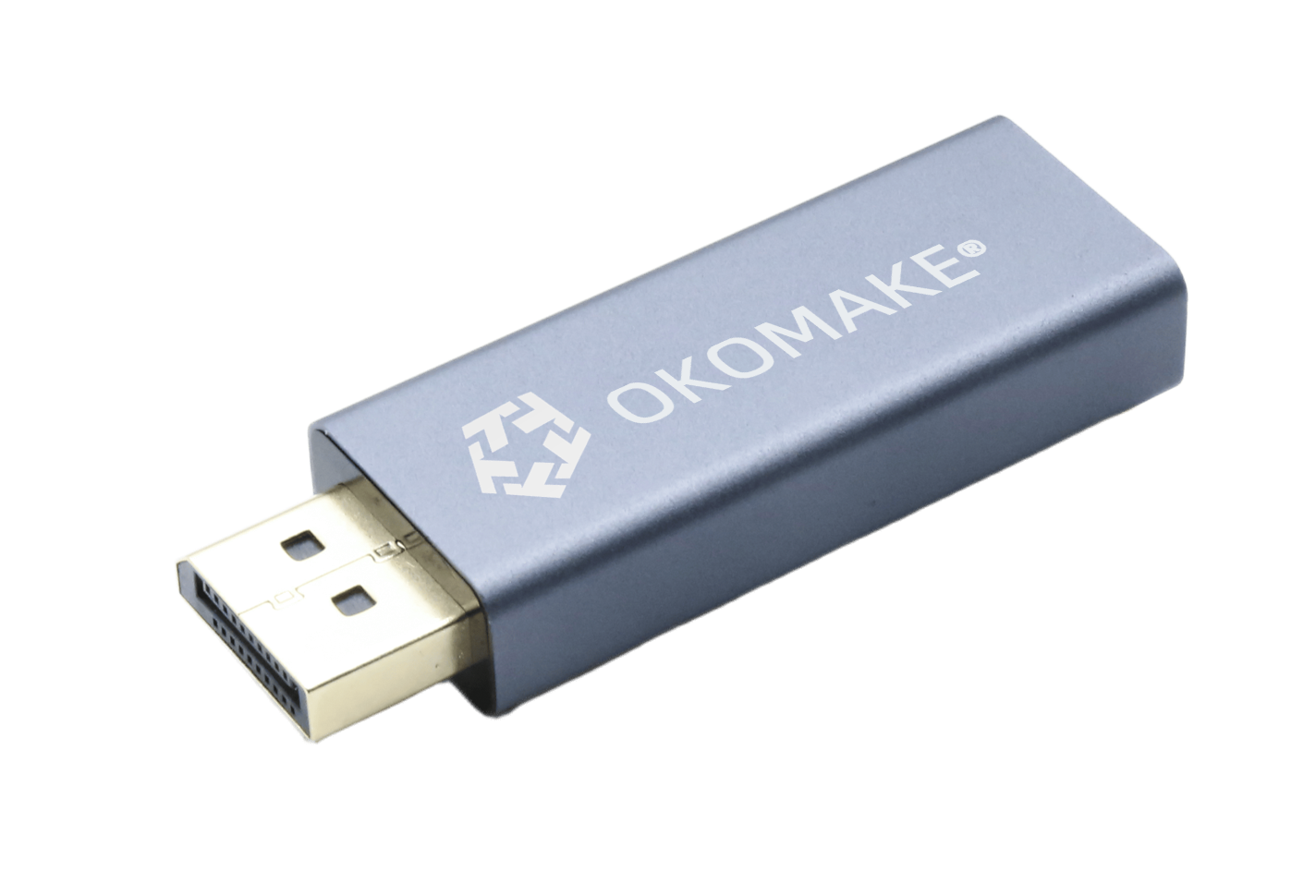
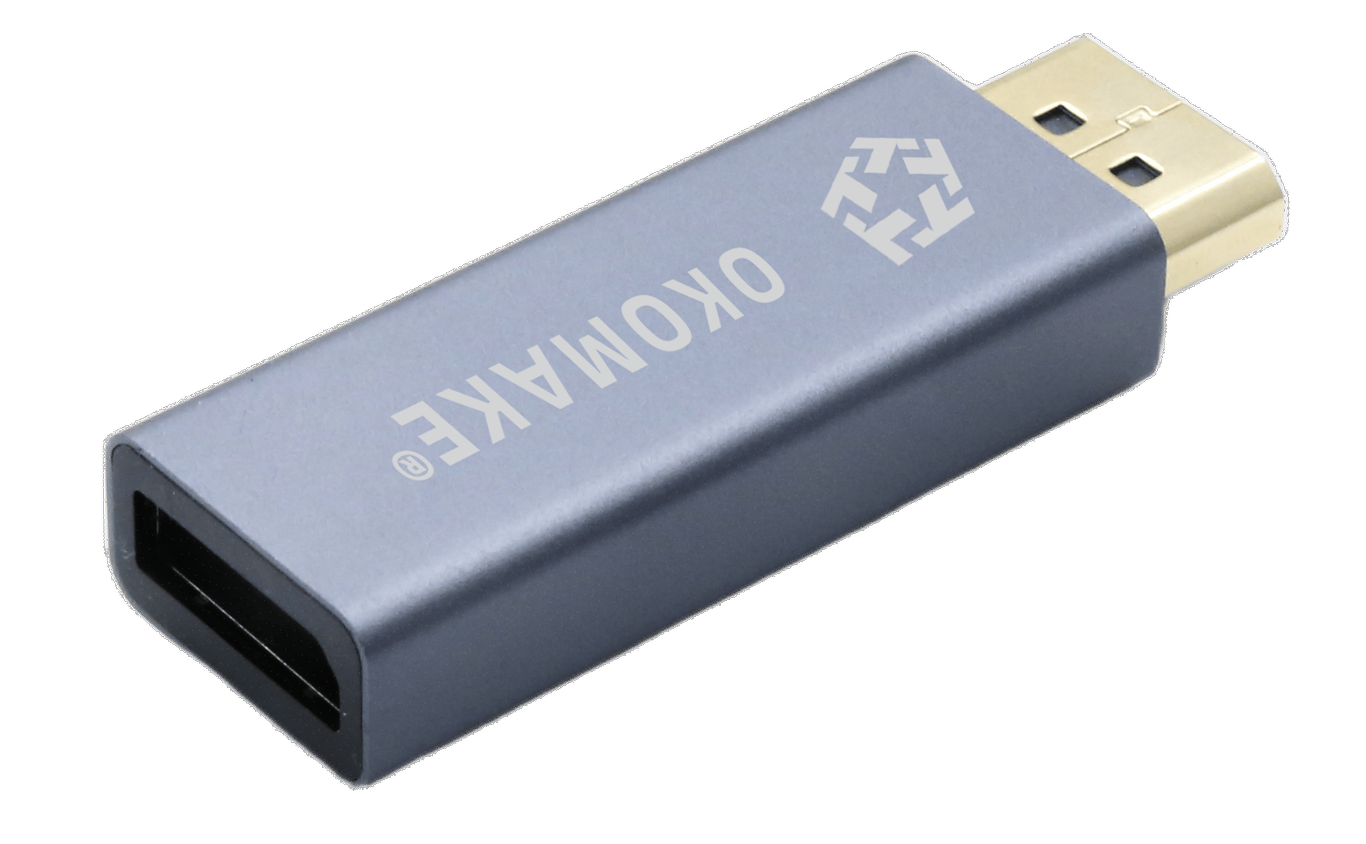
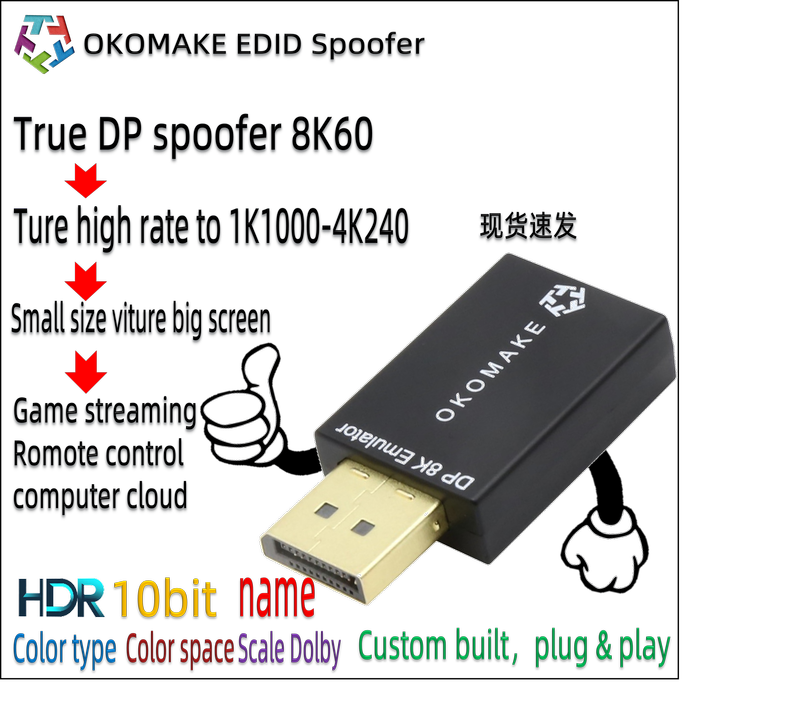
Our EDID emulator keeps the host system detecting the display as "connected" at all times, continuously broadcasting complete EDID data to every device. The results:
- Consistent resolution, stable window positions.
- No black screen or flicker when switching inputs.
- High refresh rate, HDR and color calibration settings are preserved.
Who Needs a DisplayPort EDID Emulator Most?
- Console & PC gamers ¡ª switch seamlessly between Xbox, PS5 and PC without losing HDR, 120Hz or VRR.
- Video editors & digital creators ¡ª tools like Adobe Premiere, DaVinci Resolve or Unreal Engine depend on a stable display resolution to preserve their interface layout.
- Finance & data professionals ¡ª frequent terminal switching demands a stable screen to prevent data loss or window jumping.
- Remote workers & developers ¡ª moving between virtual machines, Linux, macOS and Windows requires uninterrupted display support.
💡 Why Are There So Few DisplayPort EDID Emulators?
Compared with HDMI, DisplayPort faces far greater technical challenges in EDID emulation. The main reasons:
1. A more complex protocol architecture
🧩 DisplayPort supports advanced display technologies such as MST (Multi-Stream Transport), daisy chaining, VRR (Variable Refresh Rate) and DSC (Display Stream Compression) ¡ª all of which rely on complex signal negotiation mechanisms.
📌 DP uses an asynchronous handshake, so its EDID transmission is less direct than HDMI's. On top of that, the DP Hot Plug Detect (HPD) mechanism is less stable, making a persistent connection harder to emulate.
2. Stricter link requirements
📌 When a DP device connects, it runs a link training process ¡ª negotiating bandwidth, verifying signal quality and so on. A device emulating a "permanent" display must cache and maintain that state, which calls for sophisticated hardware isolation and advanced circuit design.
3. A lack of low-cost solutions
📌 While HDMI 2.0 EDID emulation is relatively easy to implement, achieving the same for DP typically requires custom circuitry or even an FPGA-based design ¡ª meaning longer development cycles, higher cost and a higher technical barrier.













 Ò³ÃæÖ´ÐÐʱ¼ä£º35.156 ºÁÃë


